
Amazon Prime Day 2026 runs Tuesday, June 23, 2026 through Friday, June 26, 2026. If you have been thinking about making your home easier to live with, this is one of the better times of year to buy.
The best purchases are usually not the flashy ones. They are the upgrades that quietly remove friction: lights that run on a schedule, a front door camera that is easy to check, or Wi-Fi that actually reaches the far side of the house.
The Short Version
If you just want the fast answer, I would keep Prime Day shopping simple:
- Buy one good Echo device as your control center
- Add smart plugs where friction shows up every day
- Use switches instead of bulbs in shared rooms
- Buy cameras only if security is a real goal
- Fix your Wi-Fi before blaming the smart devices
That approach avoids the usual mistake, which is buying a bunch of cheap gadgets that never feel like one system.
If you want help choosing the right gear, getting it connected, or making sure it all works together, reach out.
Where I Would Focus First
If I were helping a client build a practical Prime Day shopping list, these are the categories I would put at the top.
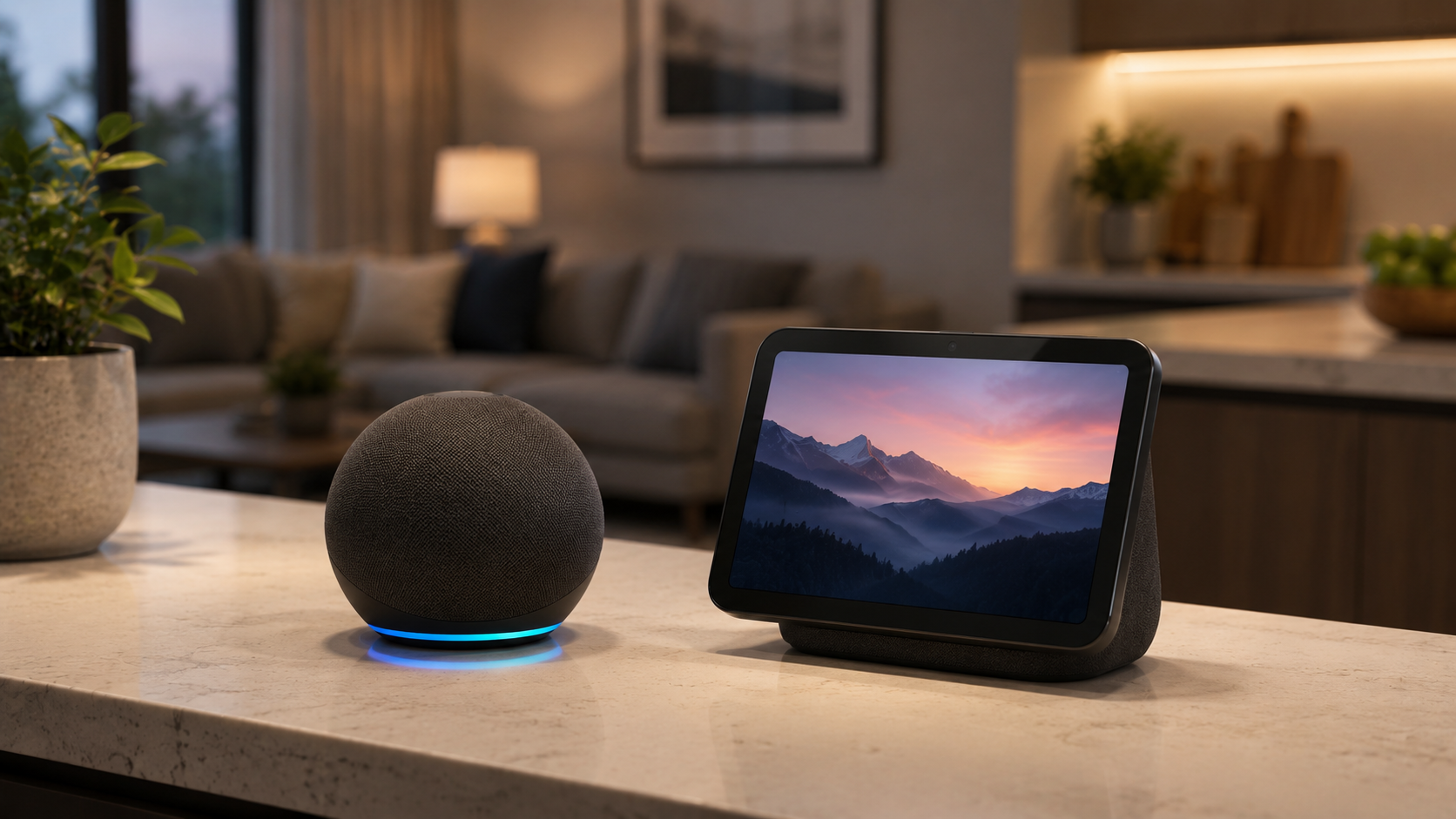
Echo Devices
The easiest starting point for a smart home setup. One good Echo device gives you voice control, routines, timers, and a cleaner way to manage everything else.
- Echo Dot for a simple, low-cost entry point
- Echo Show 8 for kitchen counters, offices, and visible controls
- Echo Show 11 if you want a larger family command center
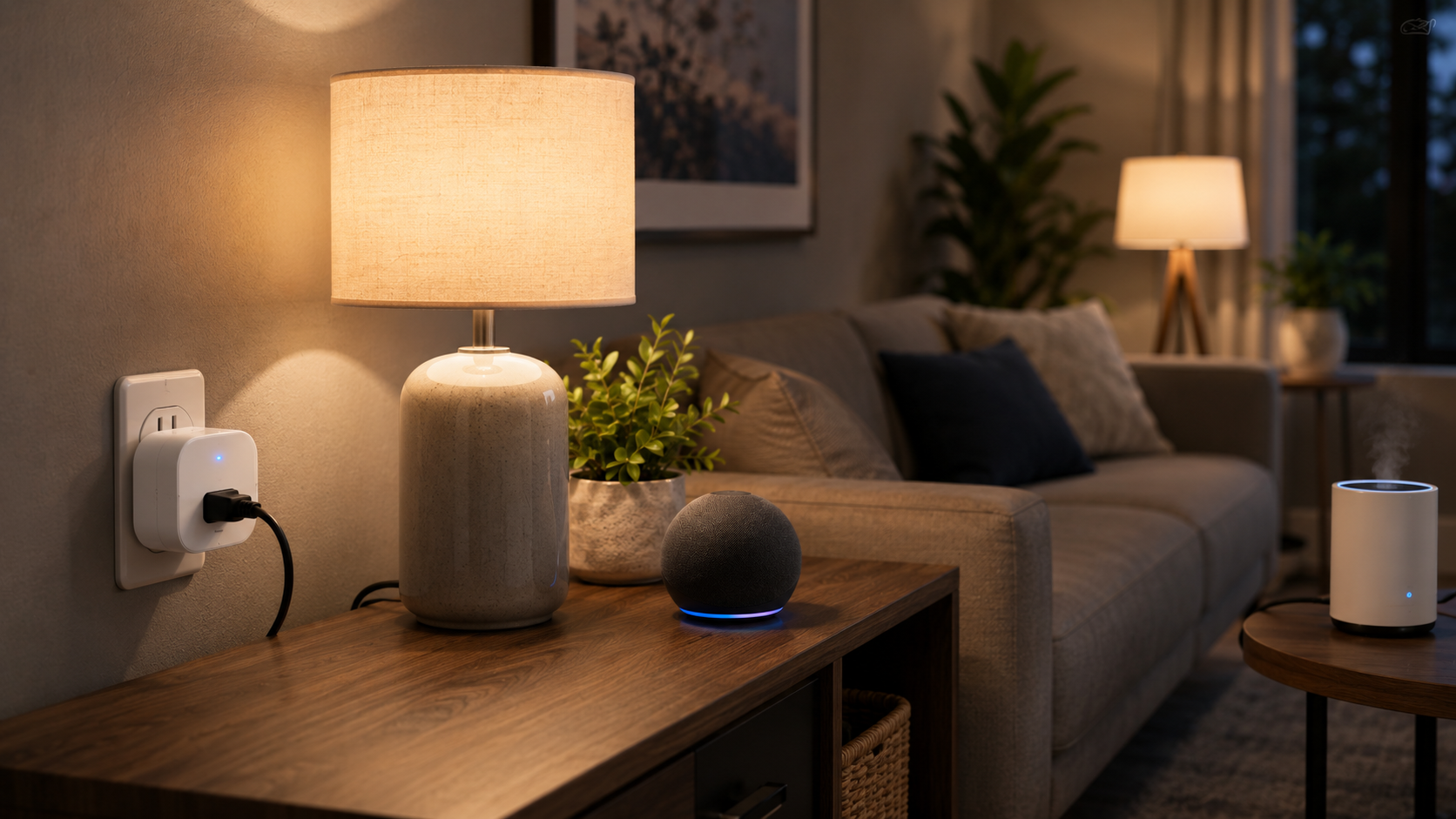
Smart Plugs
Still one of the best smart home purchases for normal households because they give you automation without rewiring or a whole-home project.
- Amazon Smart Plug for the simplest Alexa-first setup
- Kasa Smart Plug Mini 4-Pack if you want multiple rooms at once
- Ideal for lamps, coffee stations, fans, and holiday lights
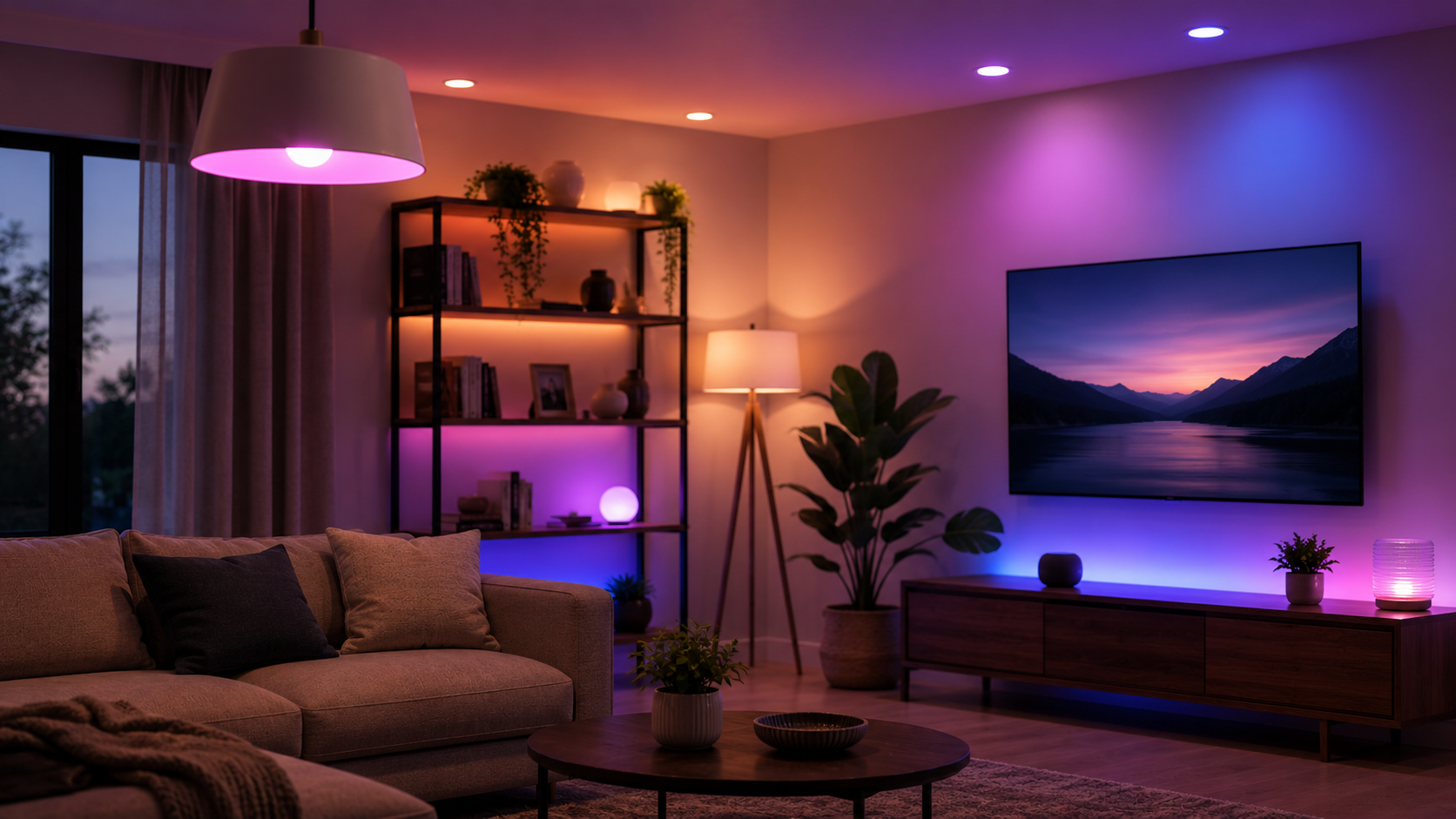
Smart Bulbs
Best when you want scene control, schedules, and voice commands without changing the wall switch itself.
- Philips Hue starter kits if reliability matters more than price
- Govee smart bulbs if you want more affordable color lighting
- Start with the living room, bedroom, office, or entryway first
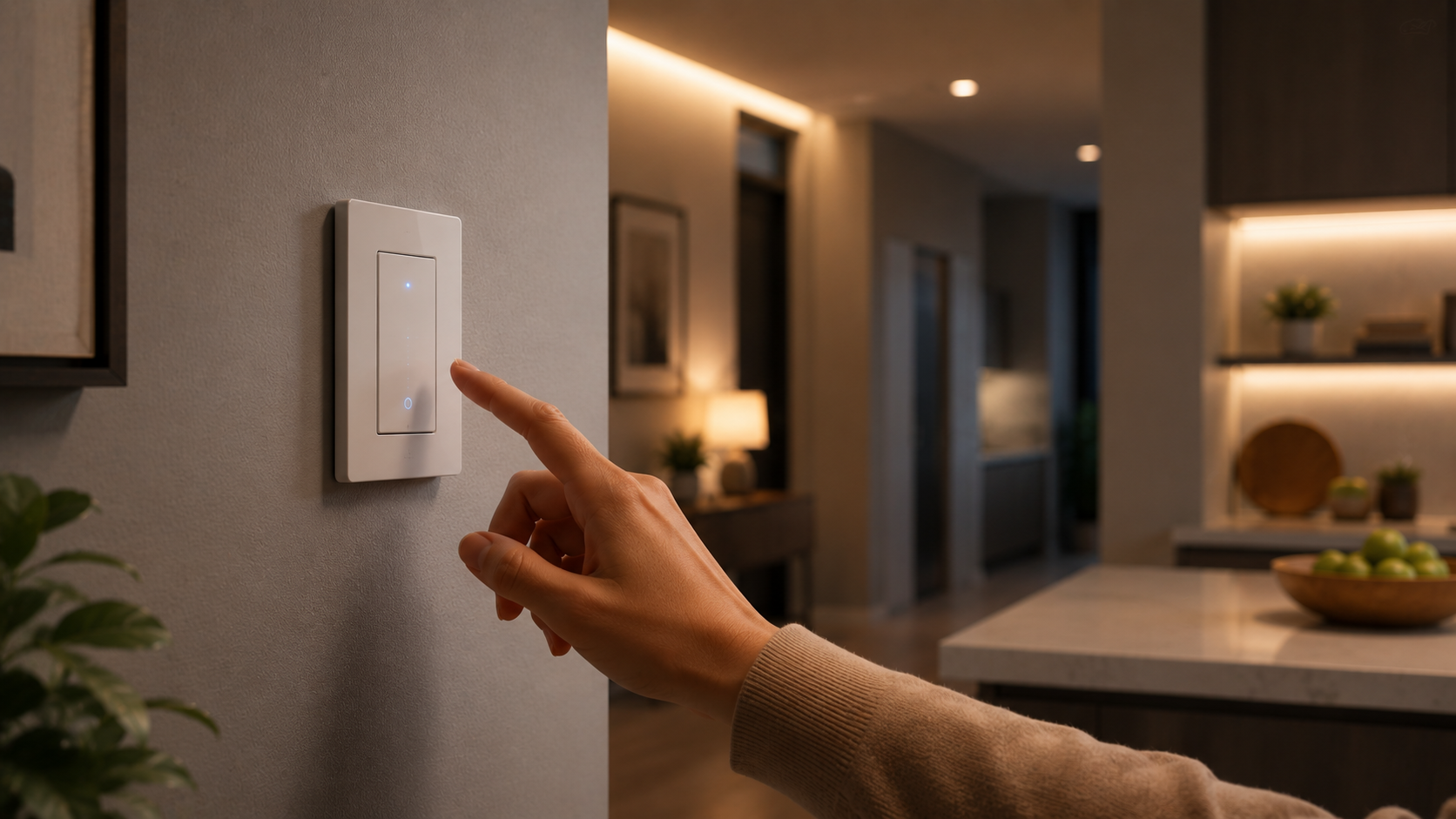
Smart Switches
A better fit than bulbs in shared rooms where people still use the wall switch and you do not want the system breaking every time someone flips it.
- Kasa smart switches for kitchens, hallways, and porches
- Kasa dimmer switches for common areas and softer evening lighting
- Best for households that want a more polished, permanent feel
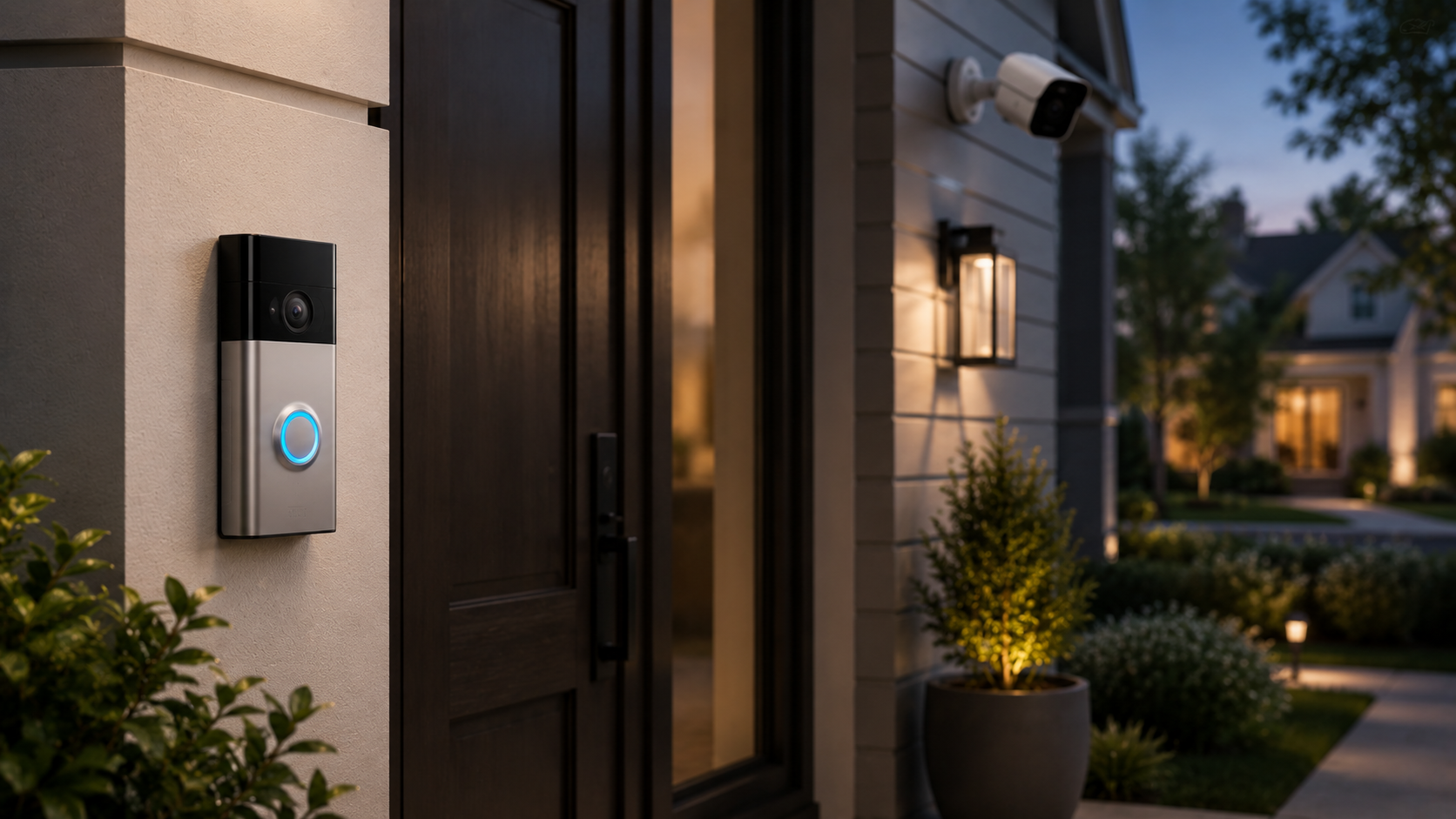
Doorbells and Cameras
This is one of the most obvious Prime Day categories because Amazon usually discounts its own ecosystem heavily.
- Ring Battery Doorbell Plus for front-door visibility
- Blink Outdoor 4 bundle for simple outdoor coverage
- Blink Mini 2 for low-friction indoor camera coverage
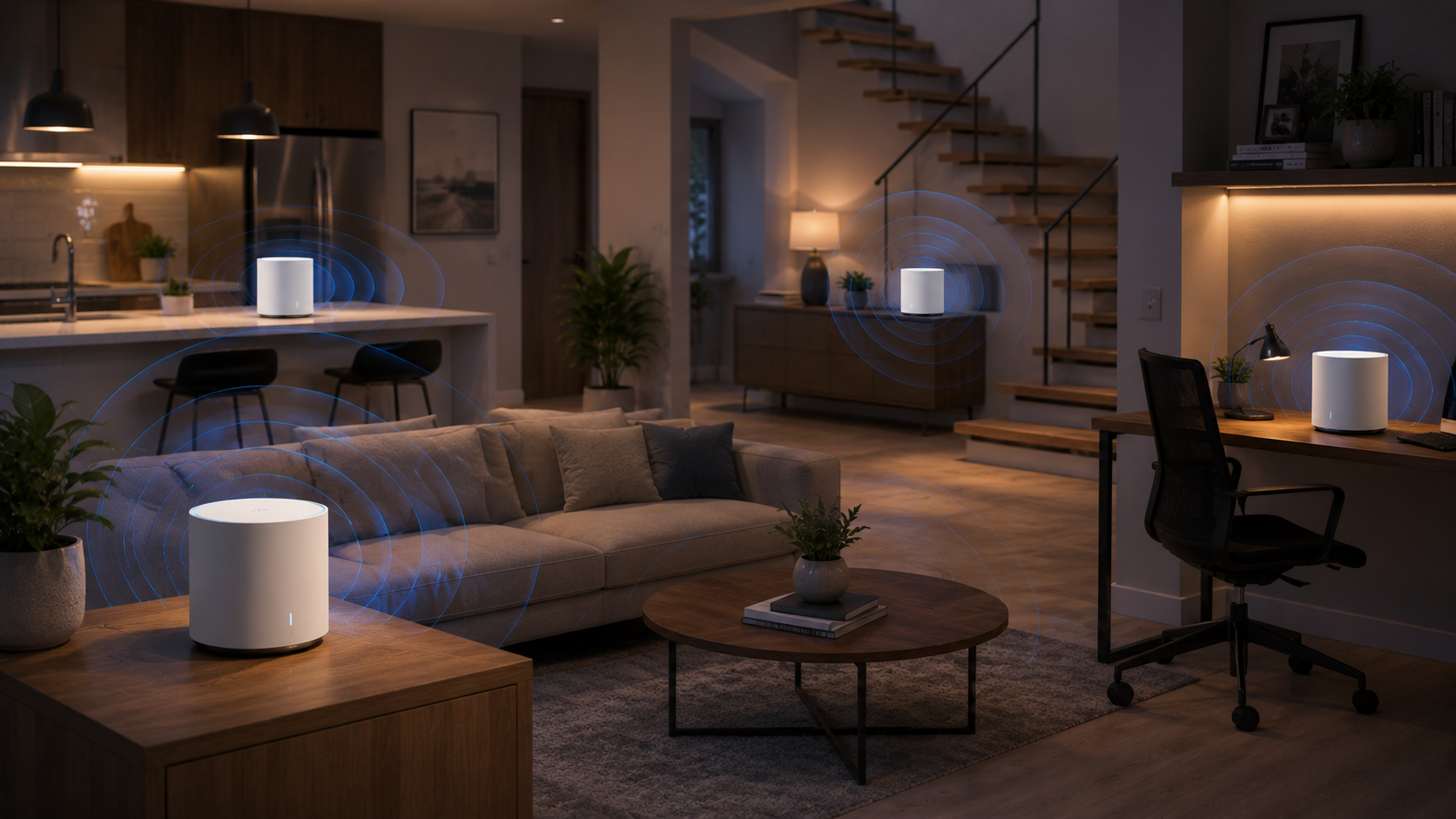
Mesh Wi-Fi
A lot of smart home frustration is really a Wi-Fi problem in disguise. If your devices keep dropping, the real fix is often stronger coverage.
- eero 6 for a straightforward whole-home reset
- eero Pro 6E if you want faster, more future-friendly coverage
- Often the smartest category to pair with setup service
Best First Buys
These are the products I would point most clients toward first, because they solve real problems without creating unnecessary setup drama.
The easiest single-device starting point if you want voice control, visible timers, and a central spot for routines, cameras, and reminders.
- Great for kitchens, entryways, and family rooms
- Better than starting with scattered accessories first
- A clean anchor for an Alexa-first setup
If you only buy one thing, this is one of the safest smart home buys for most households.
Shop Echo Show 8Probably the fastest way to make a home feel smarter without creating a major project. Lamps, fans, and coffee stations are where these usually earn their keep.
- Good first test of whether automation is actually useful to you
- Easy to spread across multiple rooms at once
- Low cost, high daily visibility
This is the category I would recommend before buying more novelty-oriented gadgets.
Shop Kasa Smart Plug Mini 4-PackIf you care about consistency more than bargain pricing, Hue is still one of the cleanest lighting systems to live with over time.
- Best for living rooms, bedrooms, and scene-based lighting
- Good fit for people who want fewer glitches
- More expensive, but usually less frustrating
I would lean this direction for clients who care more about polished results than chasing the cheapest bulbs.
Shop Philips Hue Starter KitA stronger choice than smart bulbs in shared spaces, because the room still works normally even when someone walks up and uses the wall switch.
- Especially good for kitchens, hallways, and main living spaces
- Feels more built in than bulb-based automation
- Great when you want a cleaner long-term setup
If people keep flipping the switch off out of habit, switch-based control is usually the better answer.
Shop Kasa Smart Dimmer SwitchA smart front-door upgrade is often more useful than buying cameras for every angle of the house on day one.
- Useful for deliveries, visitors, and quick visibility
- Strong first security step for most homes
- Cleaner than overbuilding a full camera system immediately
Start at the front door, then expand only if you still feel a real need after living with it.
Shop Ring Battery Doorbell PlusIf your house has dead zones, lag, or devices that drop off randomly, stronger Wi-Fi may be the smartest purchase on the whole list.
- Often fixes the hidden problem behind flaky smart devices
- Improves phones, tablets, TVs, and laptops too
- Best paired with a simple room-by-room setup plan
A lot of smart home complaints are really network problems wearing a disguise.
Shop eero 6 or eero Pro 6EThree Easy Shopping Paths
If you do not want to overthink it, pick one of these three paths and ignore the rest.
Simple Convenience Kit
Best for someone who wants an easier daily routine without turning the house into a project.
- Echo Show 8 or Echo Dot
- 2 to 4 smart plugs
- 1 to 2 smart bulbs for a main room
Front Door Visibility Kit
Best for deliveries, guests, and getting a quick pulse on what is happening at home.
- Ring Battery Doorbell Plus
- Blink Mini 2 for one indoor room if needed
- Echo Show for fast camera viewing
Fix the House First Kit
Best for homes where tech already feels unreliable and you want the foundation right before adding more devices.
- eero 6 or eero Pro 6E
- One Echo device as the control layer
- One or two plugs to test the improved setup
The Best Practical Prime Day Plan
Most households do not need a giant smart home overhaul. They need a short list that actually works together.
Start with one hub, usually an Echo device.
Add a few plugs or bulbs where the friction shows up daily.
Add one camera or doorbell if security is the actual goal.
Fix the Wi-Fi foundation if devices already disconnect or lag.
What to Avoid
I would avoid buying random smart home products just because they are cheap.
The usual bad Prime Day outcome is buying six disconnected gadgets that all use different apps and never feel truly integrated. The better outcome is a smaller setup with a clean plan behind it.
What I Would Check Before Buying
- Pick one main goal first: convenience, security, or better coverage.
- If multiple people use the wall switch, switches usually beat bulbs.
- If your Wi-Fi already struggles, solve that before adding more smart gear.
- Ask whether you really want another app, or whether everything should run through one system.
Buying the gear is the easy part. Making it all work together is the part people hate.
I help clients choose the right products, connect them properly, organize rooms and devices, and make sure the whole setup behaves reliably with Wi-Fi, phones, and routines.
More Prime Day Upgrades I Would Actually Recommend
If you already have the smart home basics covered, these are the other Prime Day categories I would look at next. The goal is the same as the smart home section above: fewer random gadgets, stronger daily payoff.
Jump to the category that matches the problem you are trying to solve
- Displays for more screen space and a better desk setup
- Storage & Backup for running out of space or building a simpler backup setup
- Docks & Charging for cleaner MacBook workflows and less cable clutter
- Printers for dependable home-office printing without the usual ink headache
- Headphones & Audio for better calls, focus, and work-from-home comfort
Displays
If your laptop setup feels cramped, a better monitor is one of the few Prime Day buys that can change how work feels immediately. Since availability is moving around fast, this section works better as a live monitor-deals watch than a locked-in single-product recommendation.
- Best for home offices, writing, admin work, and side-by-side multitasking
- Easy recommendation when someone is tired of living on a laptop screen
- Strong fit for MacBook users who want a cleaner desk setup
This is still the display category I would lead with because it solves an obvious everyday friction point without forcing a product that may be out of stock.
Browse Current Monitor Deals- Backup picks: portable monitors like the ViewSonic VP16-OLED or a second strong desk display if the savings are better
- Best framing: more screen space, less window juggling, easier everyday work
- Fallback link: See more current monitor deals on Amazon
Storage & Backup
Storage deals are productive when they solve a real problem: running out of space, slow external storage, or having no backup plan at all. This is the category I would watch if your files are starting to feel like a mess.
- Best for faster working storage, large file libraries, and heavier media use
- Good anchor pick when speed matters more than just adding cheap capacity
- Easy tie-in to backup and setup help for Mac clients
If you need simpler backup instead of pure speed, I would pair this category with one practical desktop backup-drive option too.
Shop Samsung 990 Pro 2TB- Backup picks: a portable SSD for travel or photos, plus one desktop backup drive for Time Machine-style use
- Best framing: running out of space, building a simple backup habit, speeding up external storage
- Fallback link: See more current storage deals on Amazon
Docks & Charging
Docks are productive Prime Day buys because they solve a visible problem fast: messy ports, too many adapters, and awkward MacBook desk setups. One strong dock can clean up the whole workflow.
- Best for MacBook users who want one cable to handle the desk
- Strong fit for monitors, storage, charging, and general port cleanup
- Much better category than random low-value accessories
This is the cleanest “big quality-of-life upgrade” category after displays.
Shop Satechi 13-in-1 Dock- Backup picks: one compact travel charger and one premium all-in-one charging/dock option
- Best framing: single-cable laptop setup, cleaner desk, less adapter clutter
- Fallback link: See more current dock and charger deals on Amazon
Printers
Printer deals only become productive when they answer a real question: which printer is easiest to live with, cheapest to keep filled, and least likely to become a headache when you actually need it.
- Best for home-office printing with a strong refill-value angle
- Better category framing than generic “cheap printers”
- Good for clients who print often enough that reliability matters
If a printer is going in the post, I would rather recommend one useful machine than list a pile of mediocre options.
Shop HP Smart Tank 5101- Backup picks: one lower-cost refill-friendly option and one sturdier home-office workhorse if the deal is strong
- Best framing: easiest printer to live with, lower ink pain, dependable home-office printing
- Fallback link: See more current printer deals on Amazon
Headphones & Audio
Headphones can convert well here if the framing stays practical: better work calls, less distraction, and more comfortable focus time. Since specific discounts move around fast, this section works better as a live deal watch than a locked-in single-product recommendation.
- Best for noise control, calls, and everyday work focus
- Good fit for Mac users who spend a lot of time on video calls or shared-space work
- Stronger category than Bluetooth speakers for this audience
I would only keep Bluetooth speakers in the post if one deal is clearly good enough to justify a small add-on mention.
Browse Current Headphone Deals- Backup picks: one better-value headphone option and, only if the deal is truly strong, one portable Bluetooth speaker
- Best framing: work calls, focus, comfort, and cleaner Apple-friendly everyday audio
- Fallback link: See more current headphone deals on Amazon
Bottom Line
If you want the safest Prime Day strategy, start small and buy the categories with the clearest daily payoff. For most people, that means one strong smart home improvement, one real desk upgrade, or one storage or charging fix that solves an obvious annoyance.
If you want help choosing the right products, setting them up, or fixing a smart home that has become messy over time, contact me here.
Affiliate disclosure: This post may include affiliate links. If you buy through one of those links, I may earn a small commission at no extra cost to you. I only recommend products I would genuinely suggest to clients.